Tools I Wander With: A Tribute to the Quiet Companions of My Craft
By Marie. July 26, 2025
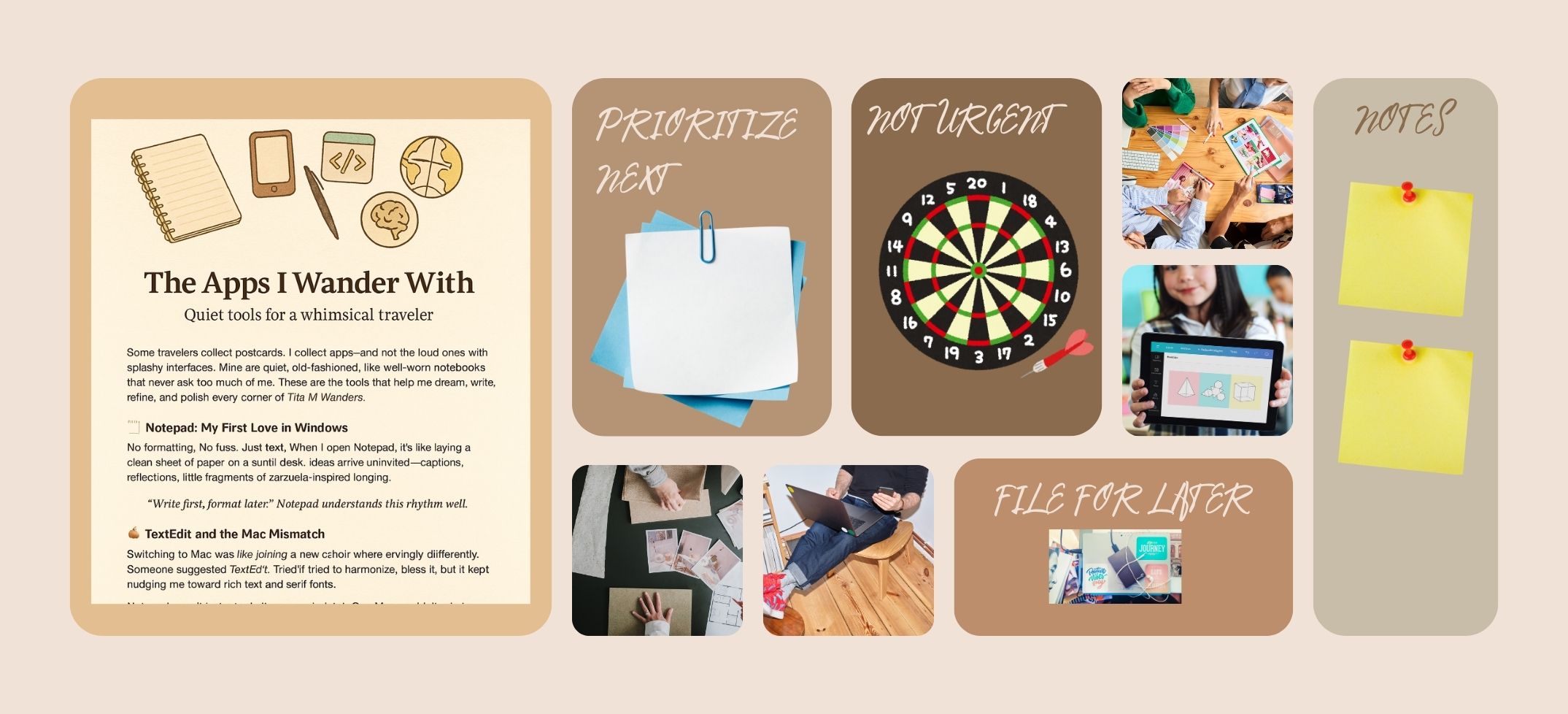
Some travelers collect postcards. I collect apps—and not the loud ones with splashy interfaces. Mine are quiet, old-fashioned, like well-worn notebooks that never ask too much of me. These are the tools that help me dream, write, refine, and polish every corner of Tita M Wanders.
📝 Notepad: My First Love in Windows No formatting. No fuss. Just text. When I open Notepad, it’s like laying a clean sheet of paper on a sunlit desk. Ideas arrive uninvited—captions, reflections, little fragments of zarzuela-inspired longing. In this space, I let the soul speak before the structure steps in. “Write first, format later.” Notepad understands this rhythm well.
🍎 TextEdit and the Mac Mismatch Switching to Mac was like joining a new choir where everyone sings slightly differently. I missed my Notepad. Someone suggested TextEdit. TextEdit tried to harmonize, bless it, but it kept nudging me toward rich text and serif fonts. Notepad wasn’t just a tool—it was a mindset. One Mac couldn’t mimic.
✨ CotEditor: My New Minimalist Muse Light, free, and respectful of plain text. CotEditor wandered into my workflow like an old pen rediscovered in a drawer. It doesn’t ask me to choose a font. It simply lets me write. Syntax highlighting is just the glitter on its sleeve.
🧠 VS Code: The Architect Behind the Curtain For moments when poetry meets structure—robots.txt, sitemap.xml, Open Graph tags—VS Code is my backstage tech whisperer. It helps me choreograph the performance of each blog post, ensuring it previews perfectly and flows seamlessly across devices. “Even whimsical wanderers deserve well-formed metadata.”
🌐 Bonus Travel Tools EditPad.org: For quick online blurting when I need text in a pinch. Sitemap generators: When my stories need an index. Debugger tools: For ensuring the performance looks good in the spotlight.